Applicants skip unclear postings
Strong candidates are less likely to engage when pay, location, or schedules are vague.

NoRageJobs helps employers create transparent job posts that clearly explain pay, schedules, overtime, benefits, and expectations—before anyone applies.
Loading example job card…
Applicants make fast decisions. When a listing leaves basic questions unanswered, qualified people may skip it—and everyone else arrives with a different picture of the job.
Strong candidates are less likely to engage when pay, location, or schedules are vague.
Hiring teams lose time answering questions the listing could have handled up front.
Hidden shifts, overtime, benefits, or requirements pull in people who cannot accept the real terms.
Fake and low-quality posts make job seekers cautious—even when your opportunity is legitimate.
NoRageJobs guides employers through the details applicants need, verifies employer information, and reviews listings before they reach the public job search.
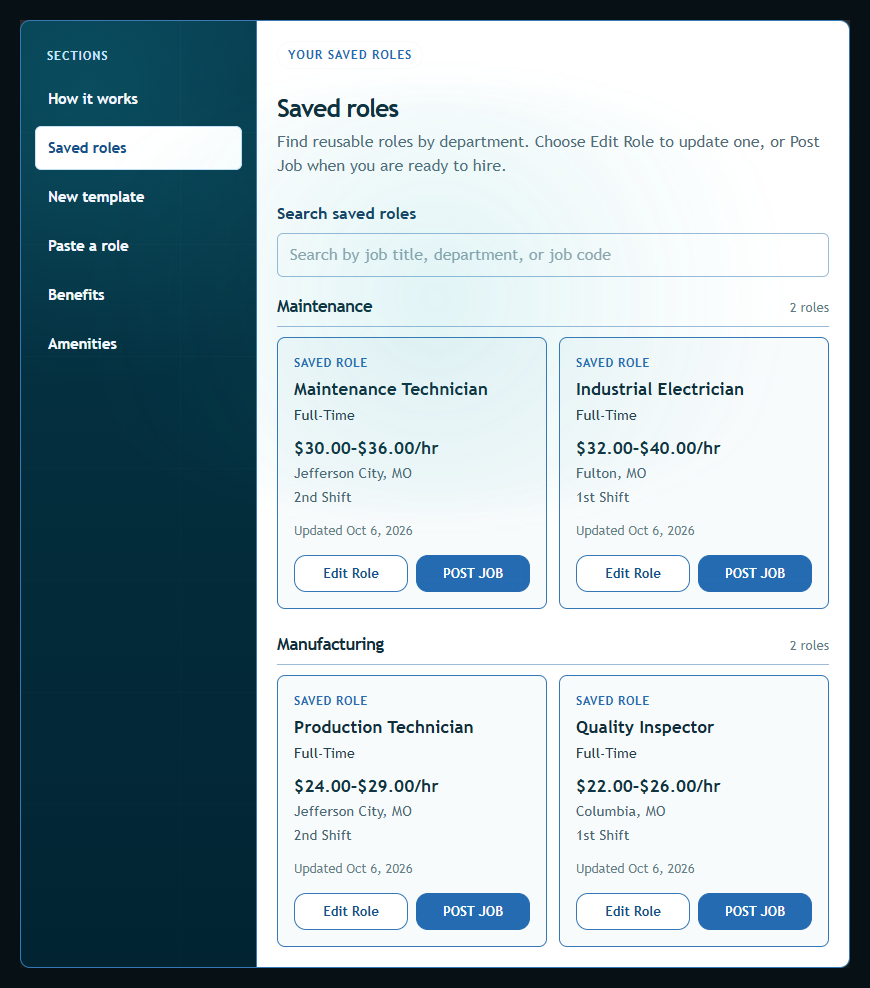
The Job Library keeps reusable role details in one place. When it is time to hire again, find the role and choose Post Job instead of rebuilding the listing from scratch.
Saving a role does not publish a job. Review the posting details before submitting a listing for approval.
See how to create a template and browse saved roles. Open an image for a closer look, then close it to return here.
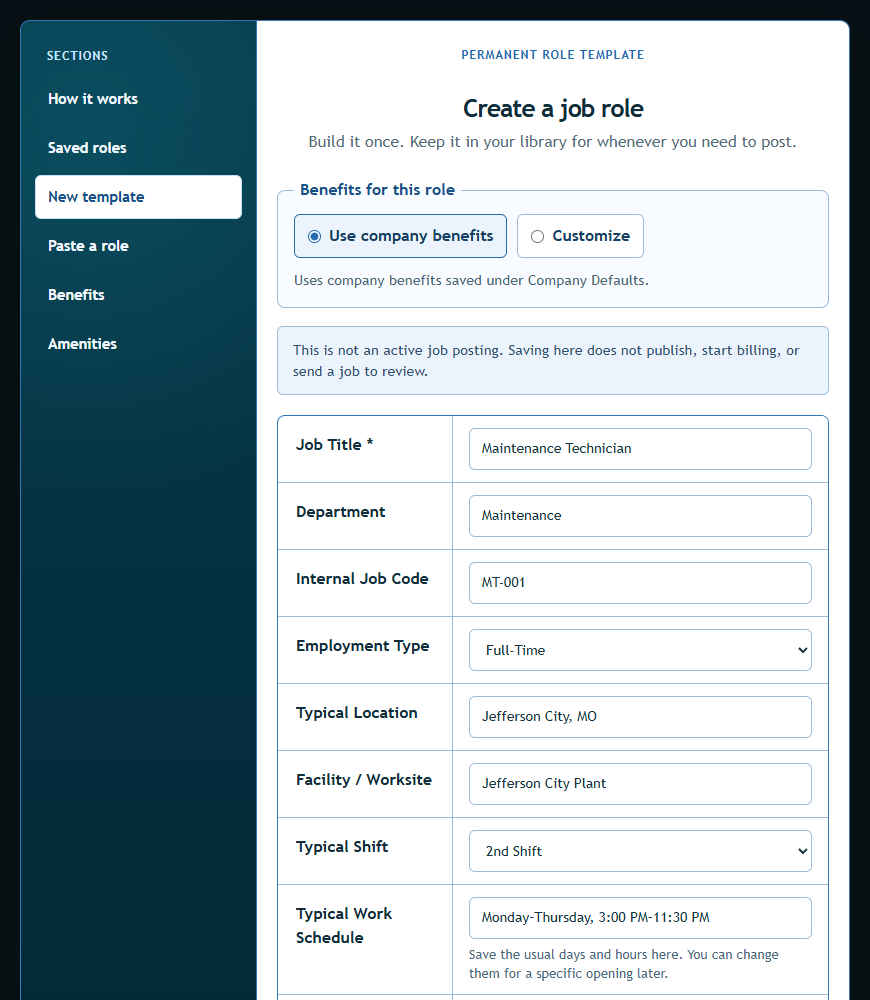
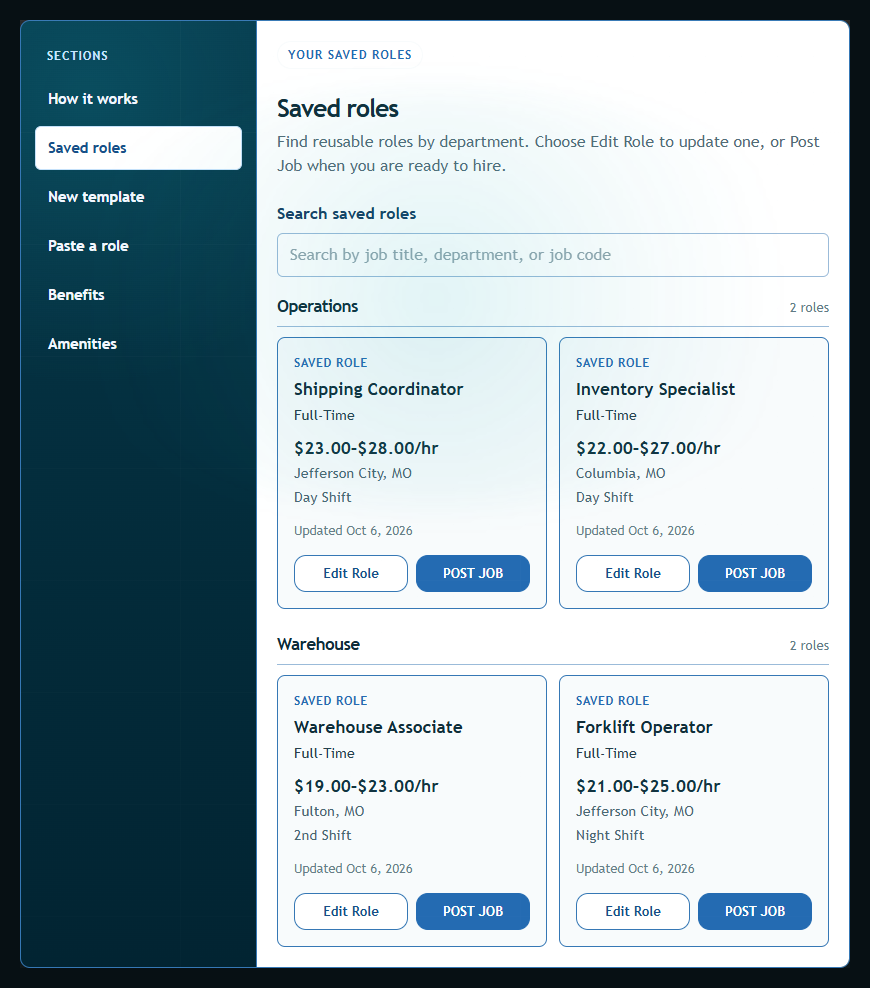
See Maintenance + Manufacturing sample roles ↗
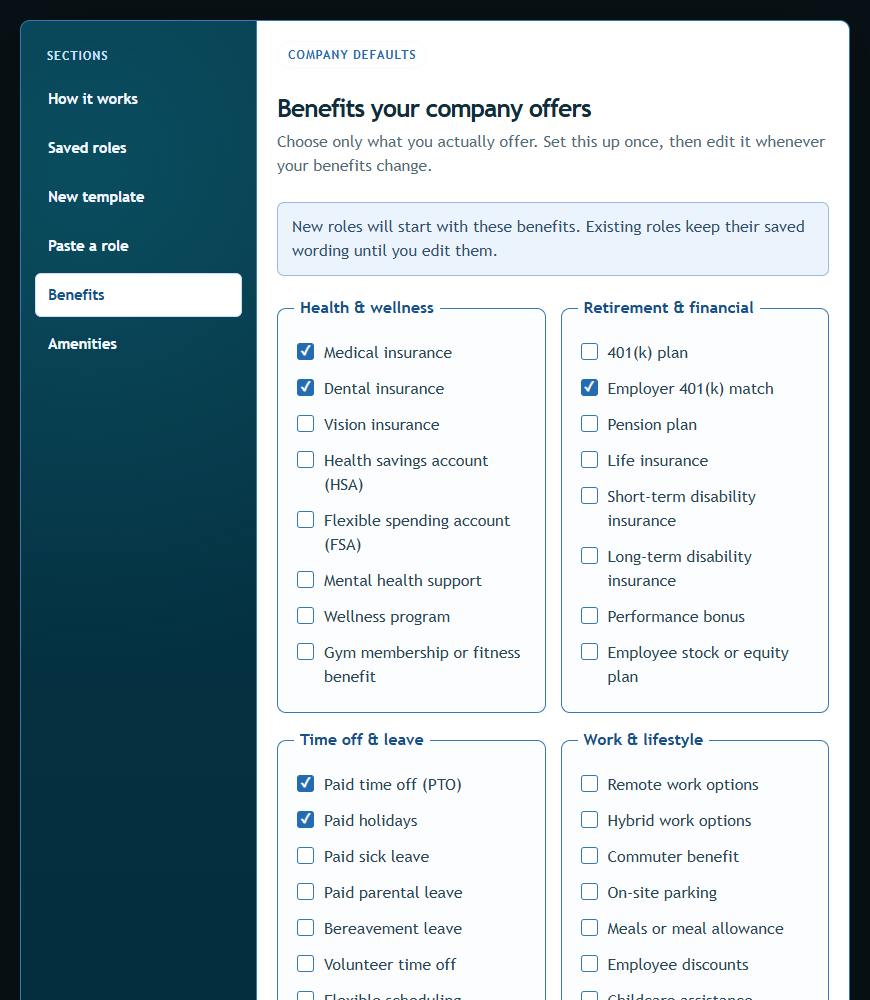
Save the benefits your company actually offers, then use them as defaults for new role templates. Each role can still be customized before posting.
Updating company defaults does not silently change roles you already saved.
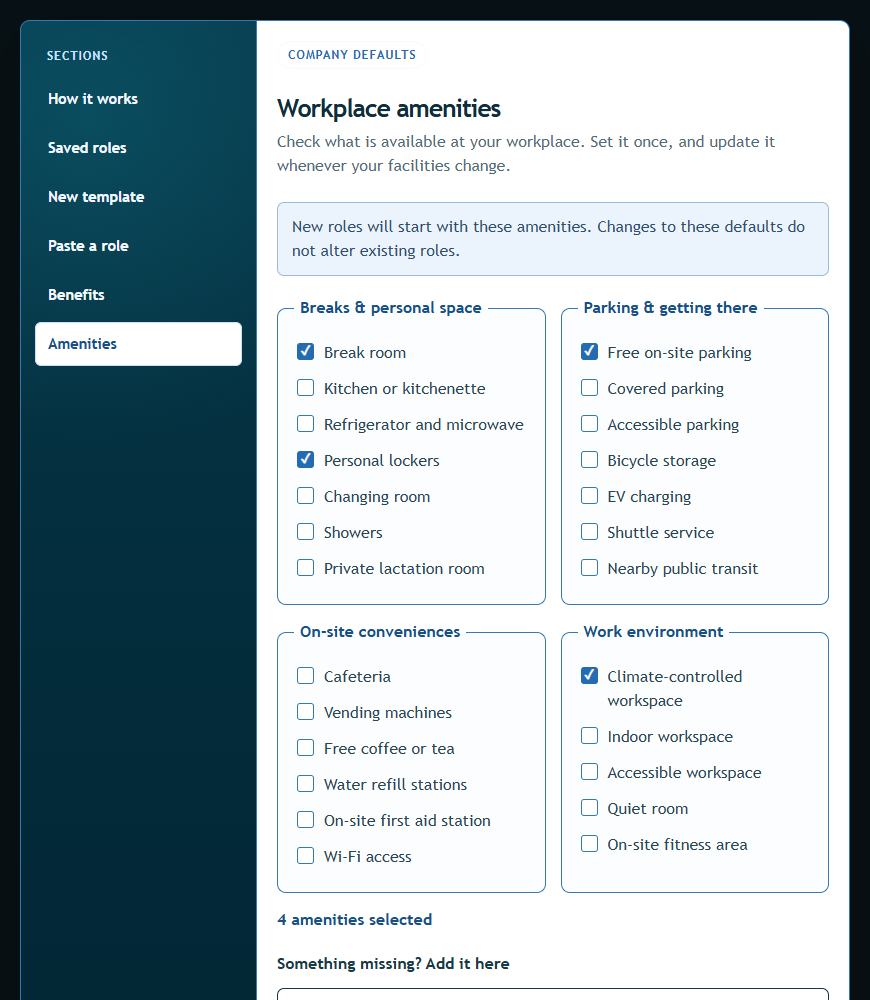
Amenities are on-site features—such as parking, break rooms, lockers, or a climate-controlled workspace—that help applicants picture the day-to-day environment.
Save workplace amenities once and reuse them across new roles. Tailor them anytime for a specific location or position.
Transparent job information helps people self-select before they take up your time—or theirs.
Candidates understand the real role before they apply.
Answer common pay, shift, and overtime questions once.
Clear expectations show respect for an applicant’s time.
Verification and review distinguish real opportunities.
Reduce expectation gaps before interviews and offers.
Keep profile settings, analytics, plans, billing, invoices, FAQs, and support together.
Set up your account and verify your business email.
Provide the business details NoRageJobs uses to confirm your identity.
Invited beta employers need an admin-granted Early Access benefit to use free job slots. Other posting options may require payment.
Prepare a reusable role, then complete the job’s pay, schedule, benefits, and expectations.
Eligible Early Access jobs go to NoRageJobs review without checkout. If payment applies, you will see that next step before review.
Applicants can browse the clear, reviewed listing without an account wall.
Here is how transparency, verification, and review fit into the employer experience.
Explore the employer FAQ in SupportReview helps keep public listings complete, accurate, and free from obvious scam or trust concerns. It protects job seekers while helping legitimate employers stand out.
Employers provide clear pay, location, shift, schedule, hours, overtime expectations, benefits, job duties, qualifications, hiring timeline, and a working application method.
NoRageJobs reviews submitted company and business-contact details. The verification workflow is designed to confirm that a real employer is responsible for the listing before it becomes public.
Yes. Employers can update draft or returned listings. Material changes to a reviewed public listing may require another admin check so applicants continue seeing accurate information.
Review timing depends on listing completeness and queue volume. Complete, specific postings are easier to review; the employer dashboard will show the current status and any requested changes.
We're inviting Missouri employers, independent recruiters, and staffing agencies to help build a job board focused on clearer, more informative job opportunities.
Businesses selected and granted Early Access can advertise up to five jobs at once, reusing slots after closing filled roles through NRJ or when listings expire.
Early Access has no preset end date while NRJ builds its job-seeker audience and improves the platform.
In return, we ask participants to follow our job-listing standards and share feedback to help shape NRJ's future.
Participants will receive advance notice before NRJ transitions to paid services. No credit card required. No automatic paid enrollment.
Active participants may qualify for 15% off eligible paid postings and hiring plans for 12 months, starting with their first qualifying paid purchase after beta. Approval is not automatic, and custom packages are excluded unless otherwise agreed.
Create a free employer account and turn the questions applicants always ask into a listing they can understand before they apply.